

Overview
Activity is the Client-specific operational feed. It brings together relevant updates so you can see what changed, what is new, and where to continue the work.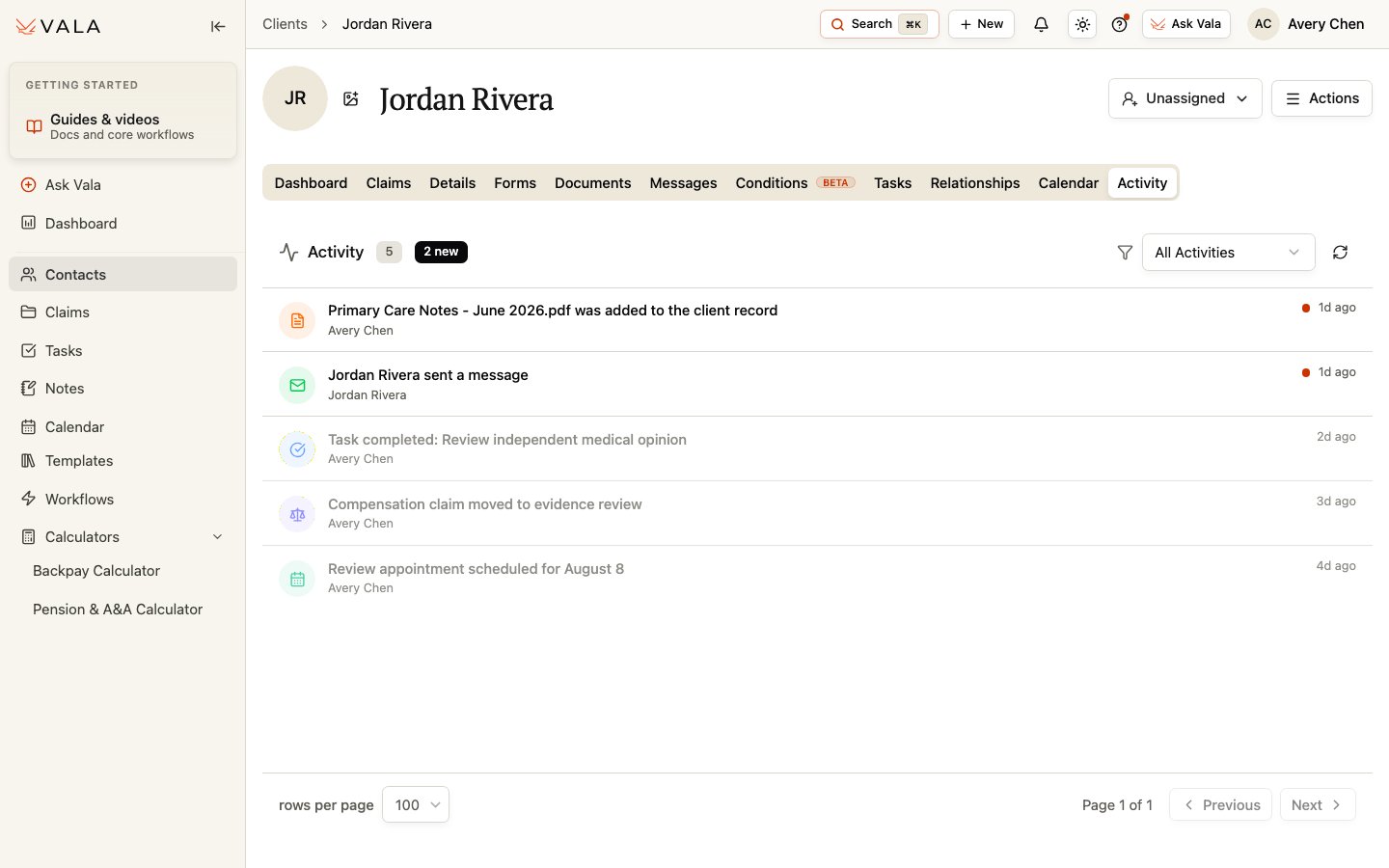
Review activity
1
Open Activity
Open the Client record and select Activity.
2
Filter the feed
Choose All Activities or narrow the list to Tasks, Messages, Documents, Client Updates, Claims, Calls, Calendar, Deadlines, or System.
3
Open the related work
Select an activity item when a related destination is available. New items are marked until they are read.
4
Refresh or page through results
Use refresh when you need the latest activity and adjust rows per page or pagination when the feed is longer.
Best practices
- Use the filter to focus on the type of change you need to review.
- Open the linked Client, Claim, Document, message, or task before acting on an activity entry.
- Treat Activity as context for the work, not as a replacement for reviewing the underlying record.
Related workflows
Tasks
Manage Client-specific follow-up work.
Documents
Review records and supporting material.