

Overview
Use Messages in a Client record to review the secure conversation with the Client, reply, and share relevant attachments. Unread Client messages are highlighted elsewhere in Vala to help surface messages that need attention. Opening the Client’s Messages conversation marks those unread Client messages as read.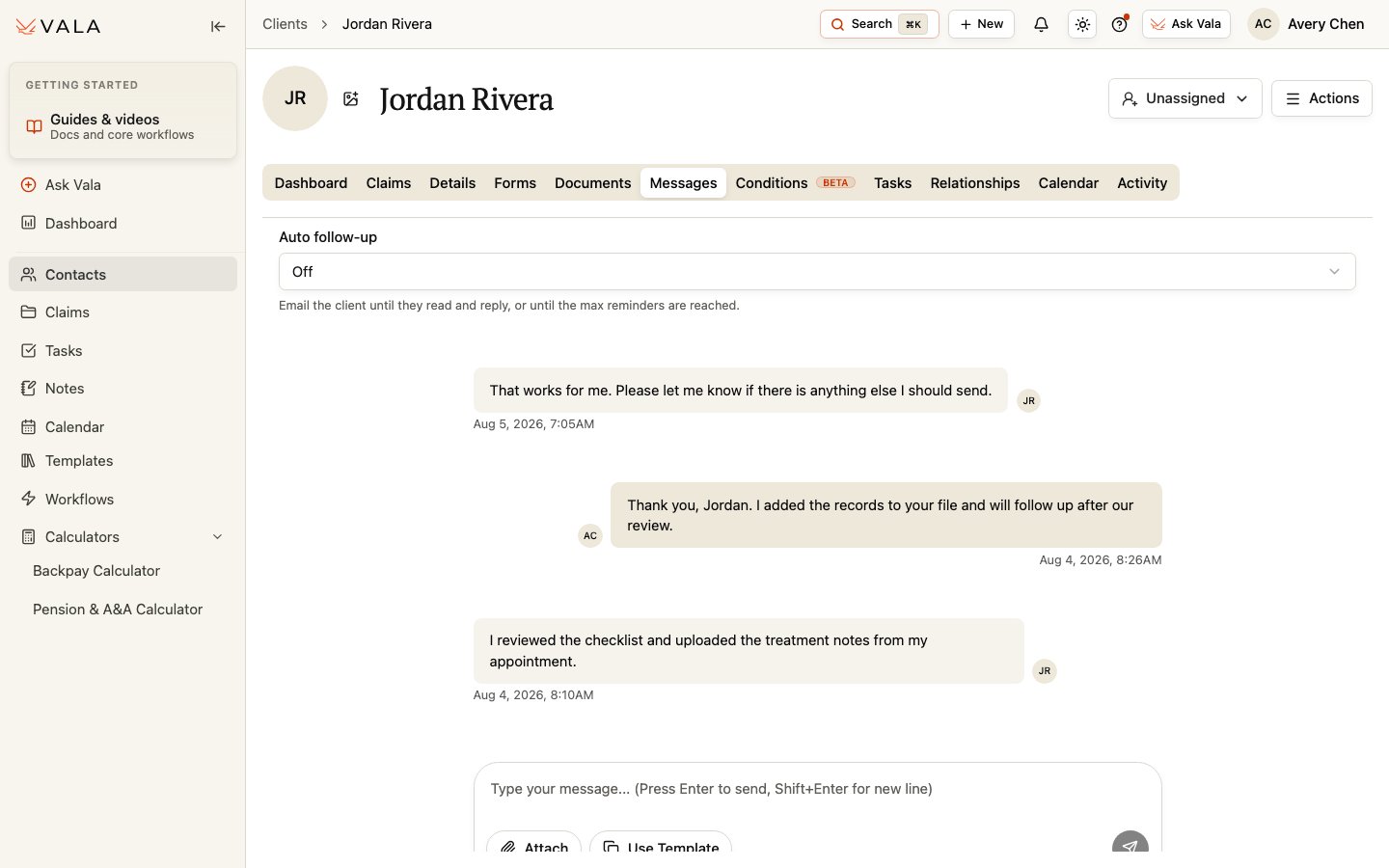
Send a message
1
Open the conversation
Open the Client record and select Messages.
2
Review new messages
Read the conversation and confirm the Client context before replying.
3
Compose the message
Write a clear message for the Client.
4
Add attachments when needed
Attach existing Client Documents, upload a new attachment, or attach eligible reusable organization Documents.
5
Use a template when available
Select a message template from Templates > Messages. Customer-visible template variables are filled from the available Client and sender information.
6
Send and follow up
Review the message and attachments, then send. Choose an optional follow-up cadence when that control is available.
Best practices
- Keep messages specific to the Client and the next action.
- Review selected documents and reusable attachments before sending.
- Use templates as a starting point, then verify the resulting message and variables.
Related pages
Templates > Messages
Create and maintain reusable message templates.
Documents
Review Client documents before attaching them.