

Overview
Use the Dates tab to maintain the Claim’s Filing Date, Decision Date, Appeal Deadline, ITF Expiration, and Docket Number. These fields are maintained on the Claim record and can be updated as your team verifies information.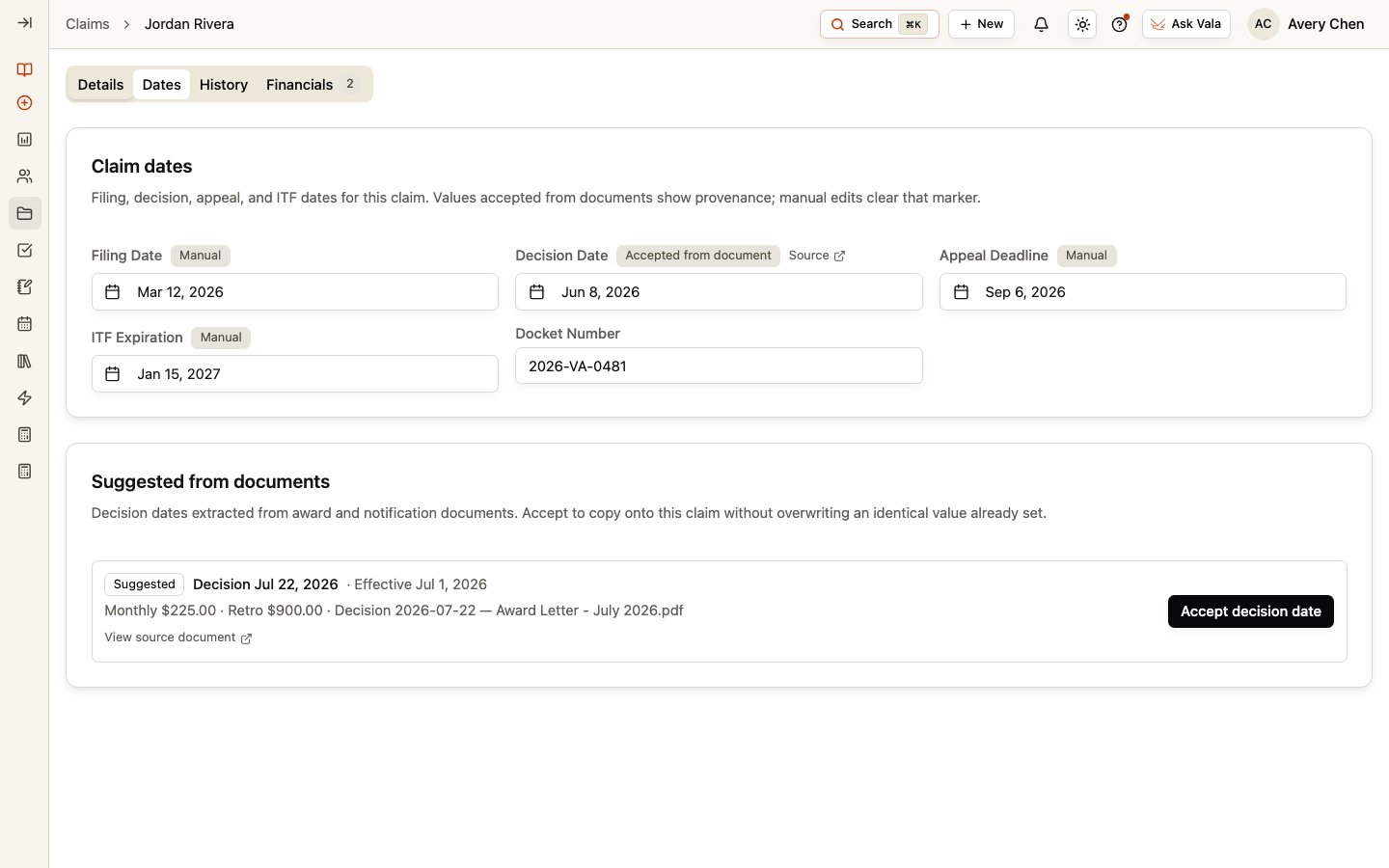
Enter and review dates
Select a date field to set or clear its value. Enter the Docket Number directly when it applies. Review these values against the supporting record and your organization’s process before relying on them for work planning.Understand source information
Dates entered manually are marked Manual. When you accept a suggested decision date from a document, the field shows that it was accepted from a document and can include a link to the source document. A later manual edit clears that source marker.Review document suggestions
When available, Suggested from documents lists decision dates extracted from relevant documents. Review the displayed value and source document, then select Accept decision date only when it is appropriate for the Claim. Accepting a suggestion copies that decision date to the Claim; it does not replace your team’s review.Related pages
Claim Details
Return to the preparation workspace for this Claim.
Documents
Review the Client documents that may support Claim work.